4 min read
How I Check Every Screen of My Obsidian Theme
Before each release, my Obsidian theme gets a contrast audit of 414 screens in dark and light mode, on desktop, phone and tablet. What it catches that a colour check misses, and how 22 other themes did on the same audit.
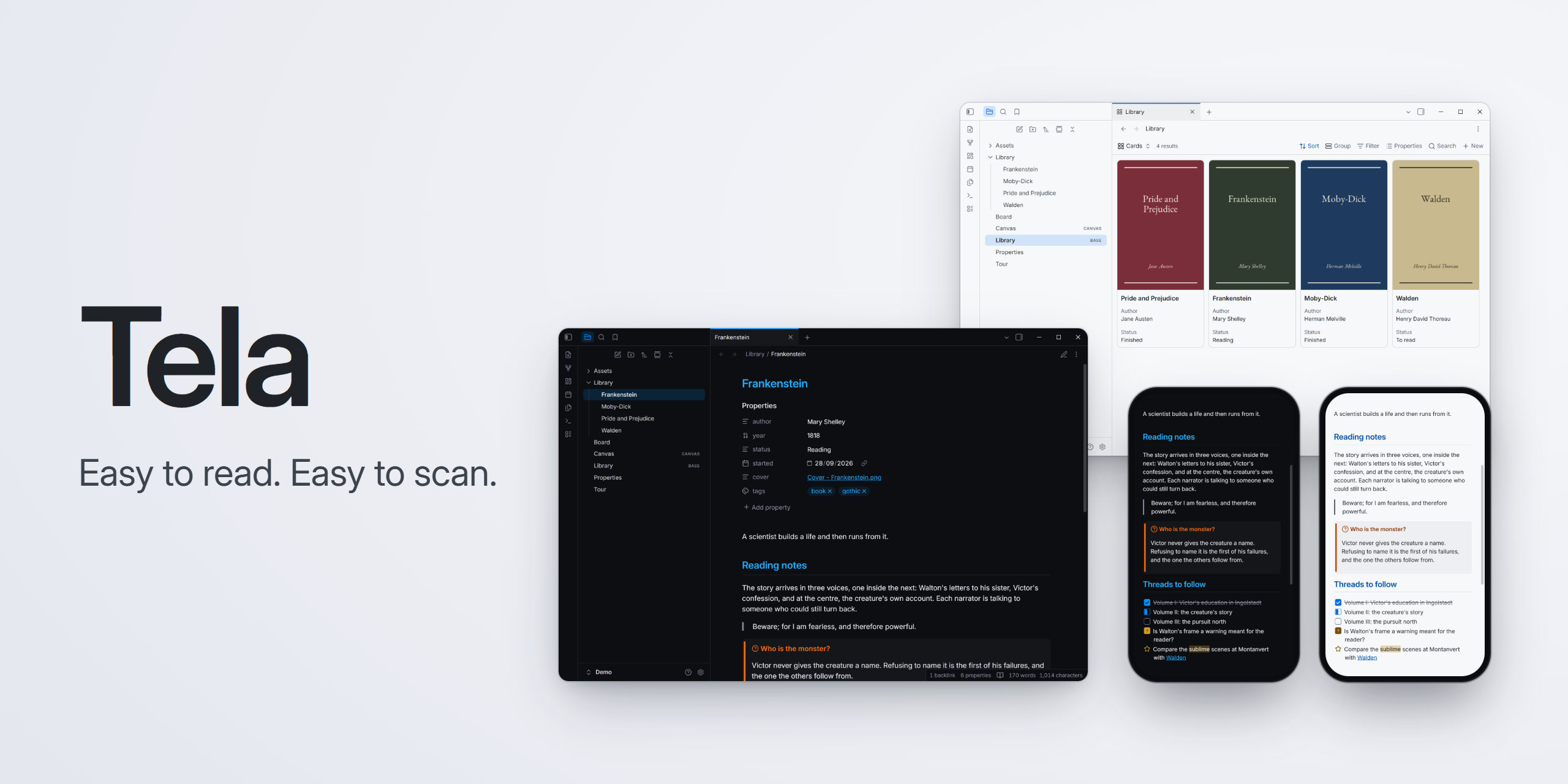
The faint grey I picked for counts and labels in my Obsidian theme passed WCAG AA against the note’s background. The first time I audited the real app, light mode failed in five places: on the darker sidebars and in the phone’s file menu, the same grey sat just under the line.
The theme is Tela. I built it for myself first, styled on a terminal app I use all day: text that’s easy to read, the small grey stuff included, and headings you can tell apart at a glance. I don’t trust my eyes on contrast, so nothing ships until an audit says it passes. 1.2.0 passed on 414 screens.
How the audit works
One command, npm run qa, opens a throwaway Obsidian with a demo vault and a fresh profile, so it never touches my own notes. It walks through about 40 scenes: notes in reading view and live preview, Canvas, Bases, search, menus, settings, printing, right-to-left text, and the views of six popular plugins (Dataview, Tasks, Kanban, Excalidraw, Iconize and Notebook Navigator). Each scene renders in dark and light mode, on desktop, phone and tablet.
On every screen, axe, the open-source accessibility checker, measures each piece of text against what’s actually behind it. A theme only controls colour, so it checks two rules: text at 4.5:1 or better, WCAG’s AA level, and links that stand out from the text around them by more than colour alone. One violation fails the run, and a failed run doesn’t ship.
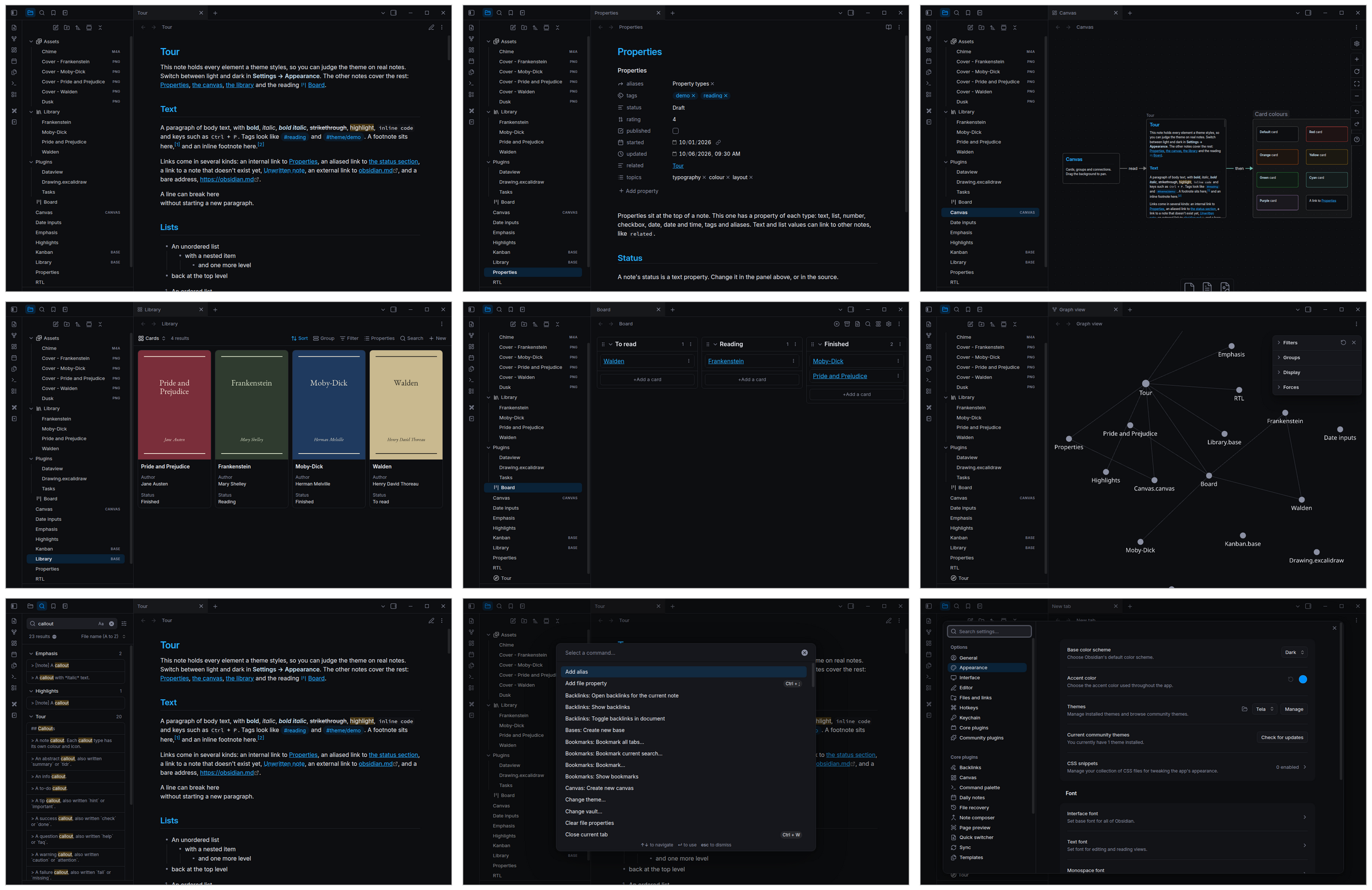
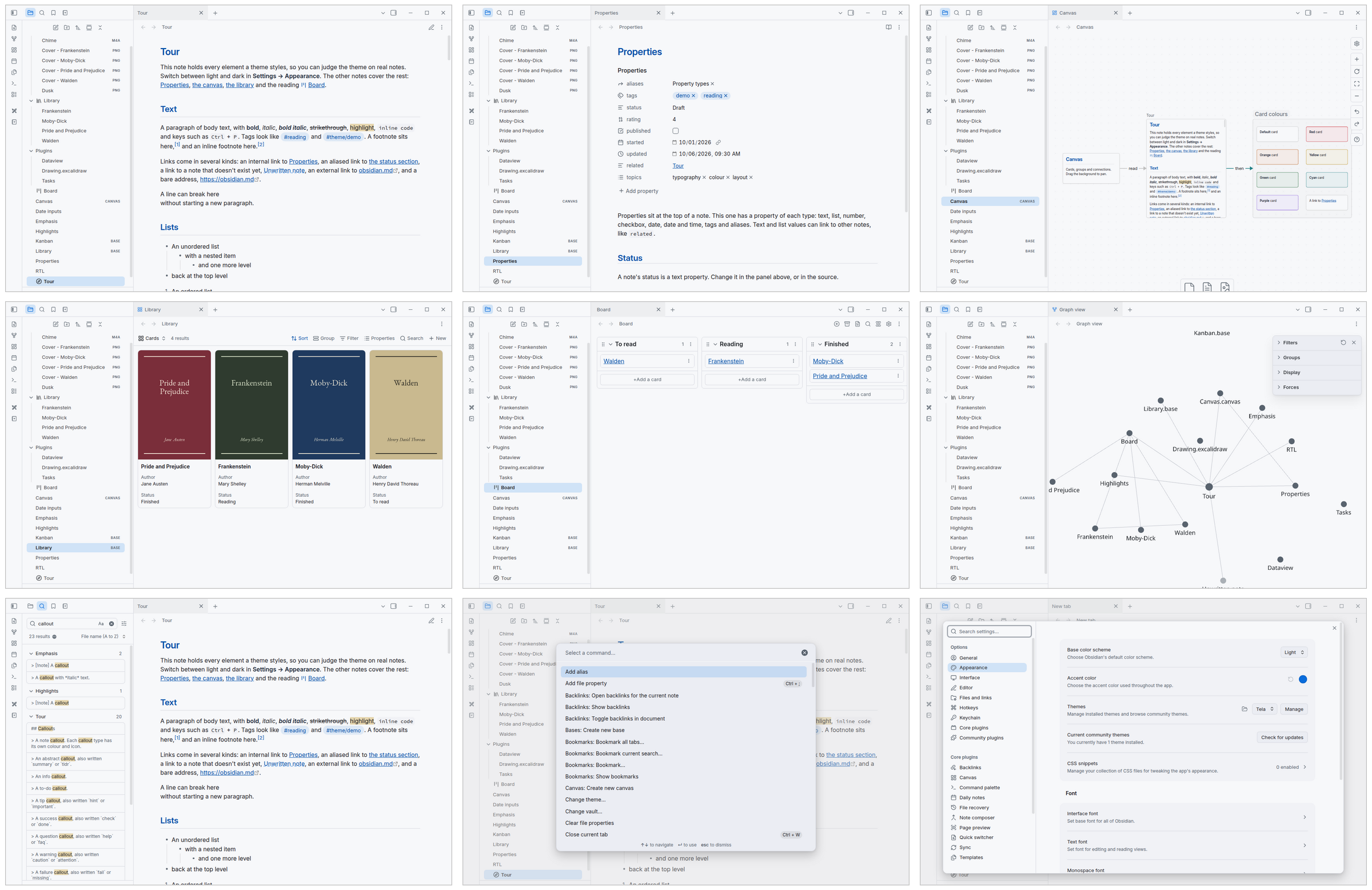
What it caught
Every catch so far is the same story: a colour that passes where you check it fails somewhere you didn’t look.
Hover and selection. Faint text cleared 4.5:1 on every background. Then Obsidian lays a wash over a row when you hover or select it, and under the wash the same text fell as low as 3.7:1. The audit found it by accident: a pointer left over from an earlier scene was resting on a search result. Now four scenes select every row on purpose.
Plugins. Notebook Navigator draws dates and tags in body text at half opacity. In light mode that came out well under the line. The theme now hands it its muted grey instead.
Screens nobody opens. Obsidian 1.14 opens Settings in a window of its own, so my first run never saw it. Printing, the frameless title bar and right-to-left text went in for the same reason: themes break where nobody looks.
The checker’s own blind spot. axe skips short text, like a callout’s title, when a large coloured block is drawn inside the same element. My callouts have a coloured bar down the side, so the bars are borders, not fills, and the titles stay in the audit.
Why a colour check isn’t enough
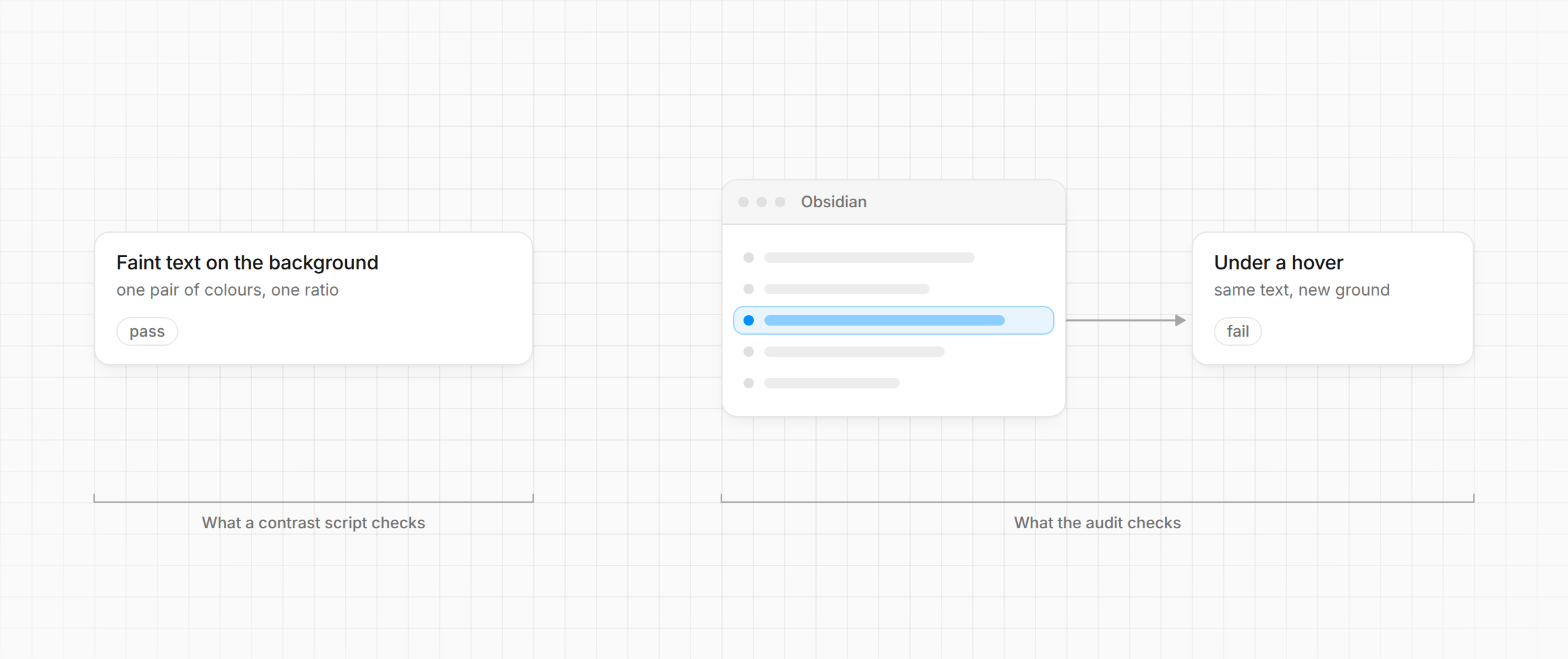
Other themes check contrast too. Of the roughly 850 themes in Obsidian’s directory, 51 others claim WCAG AA, and 14 of those run a contrast script. The scripts I read all check pairs: this text colour against that background colour.
Pairs miss what the app does with them: a wash over a row, a panel a shade darker than the note, text at half opacity, a plugin with its own idea of grey. A check can stay green while the faint text on screen sits near 2:1. Of 301 theme repos I searched, none runs a checker on the rendered app.
Some themes keep faint text at 3:1 on purpose: it’s secondary, so it can whisper. I don’t buy it. In Obsidian, faint text is result counts, dates, file types and descriptions. That’s information, and if you can’t read it, it might as well not be there.
The same audit on 22 other themes
On 11 October I ran the audit, unchanged, on 22 other themes: the most downloaded, newer ones that claim WCAG AA, and Obsidian’s own default. Same demo vault, same scenes, Obsidian 1.14.4, no plugins.
One other theme reached zero, in its only mode: it’s dark-only, built for low vision. Every other one failed somewhere, most by hundreds of elements. The failures cluster in the same places: faint and muted text in counts, menus and sidebars; light-mode code colours; done and struck-through tasks; and links that drop the underline without standing out from the text. The most downloaded themes put faint text between 2.0 and 3.8:1.
I’m not naming them. The counts are elements in my demo vault, so a theme with more coloured code fails more often; nobody has checked my numbers; and a low score isn’t a bad theme. The popular ones are popular for good reasons, like deep settings or fixes within hours of an Obsidian update. If you maintain a theme, the harness is in the repo: npm run qa -- --theme "<name>" runs it on any theme in the directory.
What it can’t see
- Text on images. axe can’t judge it, and neither can I in advance.
- Your accent colour. Obsidian lets you pick one, and the audit covers only the theme’s blue. Some accents, like navy in dark mode or yellow in light, make accent text hard to read.
- Plugins beyond the six it installs.
- Real phones and tablets. It emulates them in the desktop app.
After each Obsidian update
A theme that passes today can break with the next Obsidian release. Every Monday, a GitHub workflow checks the newest release for anything the theme relies on: variables it sets that Obsidian stopped reading, ones it reads that Obsidian stopped defining, classes it styles that are gone. If anything changed, it opens an issue, and the fix goes through the same audit before it ships.
Try it
In Obsidian: Settings → Appearance → Themes → Manage, search “Tela”. 1.2.0 adds two options: dim images in dark mode, so a white screenshot doesn’t glare off the page, and tinted italics.
The theme, the audit and its scenes: github.com/rbartoli/obsidian-tela-theme.